Detection model
- Task
- Locate the pedestrian signal
- Architecture
- YOLO26n
- Input
- 640 × 640 travel-direction region
- Output
- Pedestrian-signal bounding boxes
- On-device inference
- 55.9 ms
Worn on the chest, eye reads Taiwan's pedestrian signals aloud for blind and low-vision people. When it is unsure, it says it cannot confirm. It never guesses green.
See how it works How to use it
A CanMV K230 research prototype, not yet field-tested. It does not replace a white cane, a guide dog or help from others.
The device speaks a small, fixed set of short prompts in Mandarin, each with a single clear meaning, so nothing is misheard at a noisy intersection. Below are English translations, each followed by the original prompt the device plays.
Filled dot: a steady light Ring: a flashing light Gray dot: a status prompt, not a light
There are also status prompts such as “System started,” “Signal found” and “System error.”
Every frame passes through five steps. The first two locate the signal; the last three decide whether to speak, and what to say.
1, 2Limit the view to the direction of travel and locate the signal
3Crop the image and classify the color (values are illustrative)
Several frames in a row read green
4, 5Speak only once the frames agree
Only the central region of the image, in the user's direction of travel, is analyzed, so signals at neighboring crossings are not misread.
A detection model (YOLO26n) draws a box around the pedestrian signal within that region.
A 96×96 crop is cut from the full-resolution image, and a color classifier (YOLO11n-cls) labels it red, green or other. Clear red light inside the box overrules any green reading.
The state changes only when several consecutive frames agree, so a single misread frame never turns into speech.
The K230 board plays the prompt itself. No phone or network connection is needed.
Locating the signal and reading its color are handled by two lightweight models. Locating needs a wide view; reading the color needs only a small patch, which can be cropped straight from the full-resolution image for better reads of distant signals.
Both models are converted to int8 kmodels with nncase and run on the K230's KPU (neural-network accelerator), fully offline. Training used GPU time provided by Kaggle.
photos of Taiwanese intersections (our own dataset), 1,567 of them with pedestrian-signal labels.
kept after OpenCLIP removed photos taken from scooters and vehicles, leaving only the pedestrian's point of view.
vehicle signal heads added as negative examples, cutting vehicle signals misread as a pedestrian green from 12 to 0.
is the bar for any new data source: a manual spot check of its labels must reach 80% accuracy, or the whole batch is rejected. A second batch of Wikimedia Commons images scored 40.6% and was not used.
images that no model has ever seen are held back as a locked test set. It is opened only at release, to confirm that scores are not inflated by overlapping data.
The data also includes photos from the board's own camera, close-range synthetic images, and pedestrian-signal data from other countries whose labels were re-checked one by one.
Datasets behind the current candidate models. The training set is used for learning, the validation set for choosing the best epoch, and the test set only for the final evaluation.
| Model | Training | Validation | Test | Training set makeup |
|---|---|---|---|---|
| Detection model roi_v4 | 2,582 | 396 | 125 | 1,043 real Taiwanese intersection photos, 1,500 close-range synthetic images, 39 indoor negatives; 2,648 labeled boxes in total |
| Color classifier v12_hf | 6,474 | 763 | 250 | 96 × 96 crops: green 2,078, red 2,196, other 2,200 |
Reporting a red light as green could send the user into traffic. No model may be deployed to the board unless this error count is 0 in offline evaluation.
The color classifier must be at least 0.8 confident before green is announced; red needs 0.6. The two mistakes have different consequences, so their thresholds differ too.
When the image is unclear, the signal is too small, or consecutive frames disagree, the system reports that it cannot confirm the signal. New features may only make the system more cautious, never more likely to announce green.
If a signal read as green can no longer be confirmed, the system says “do not start crossing” rather than “stop”: the user may already be in the crosswalk, and stopping suddenly could be more dangerous.
Offline evaluation of the current candidate pair (detection model roi_v4 + color classifier v12_hf). The first measure of this project is never reporting a red light as green; overall accuracy comes second.
Dots show accuracy; lines show the 95% confidence interval (Wilson). The fewer the samples, the wider the interval.
Out of 179 frames containing a signal in the test and validation sets.
Versions of the color classifier, each paired with the same detection model.
| Measure | Result | Rate | 95% confidence interval |
|---|---|---|---|
| Test set (within the device's view) | 102 / 111 | 91.9% | 85.3% to 95.7% |
| Validation set (within the device's view) | 158 / 180 | 87.8% | 82.2% to 91.8% |
| Images the detector never trained on | 29 / 32 | 90.6% | 75.8% to 96.8% |
| Photos from the board's camera | 38 / 44 | 86.4% | 73.3% to 93.6% |
| Test and validation sets (portrait close-ups included) | n/a | 83.9%, 82.0% | n/a |
| Red or non-signals reported as green | 0 | n/a | n/a |
| Vehicle signals misread as a pedestrian green | 0 / 28 | 0% | 0% to 12.1% |
| Cause | Frames | Breakdown |
|---|---|---|
| Portrait close-ups (skipped by rule) | 28 | Signal within about 2 m |
| Small, distant signals | 17 | Not detected 11, too small to read 5, low confidence 1 |
| Color reading | 11 | Red and green swapped 4 (all green read as red), read as other 3, low confidence 2, adjacent-signal guard 2 |
| Wrong signal chosen | 1 | n/a |
| Color classifier | Count |
|---|---|
| v4 (on the board now) | 7 |
| v11 | 2 |
| v12 (no vehicle-signal negatives) | 12 |
| v12_hf (candidate) | 0 |
Limits of this evaluation: the detection model's training data overlaps some of the test images, so the 32 images it never trained on are reported separately; with so few samples, their interval is wide. Field tests at real intersections have not been done yet.
Current status: the board currently runs an earlier pair (detection model roi_v4 + color classifier v4). The candidate pair still needs model conversion and on-device validation.
Please note: this device is a research prototype and cannot replace a white cane, a guide dog or help from others. When crossing a road, rely on your own judgment and your surroundings.
A 3D-printed enclosure measuring 90 × 64 × 22.4 mm, worn on a chest harness with a standard GoPro mount. It is designed to be operated without sight.
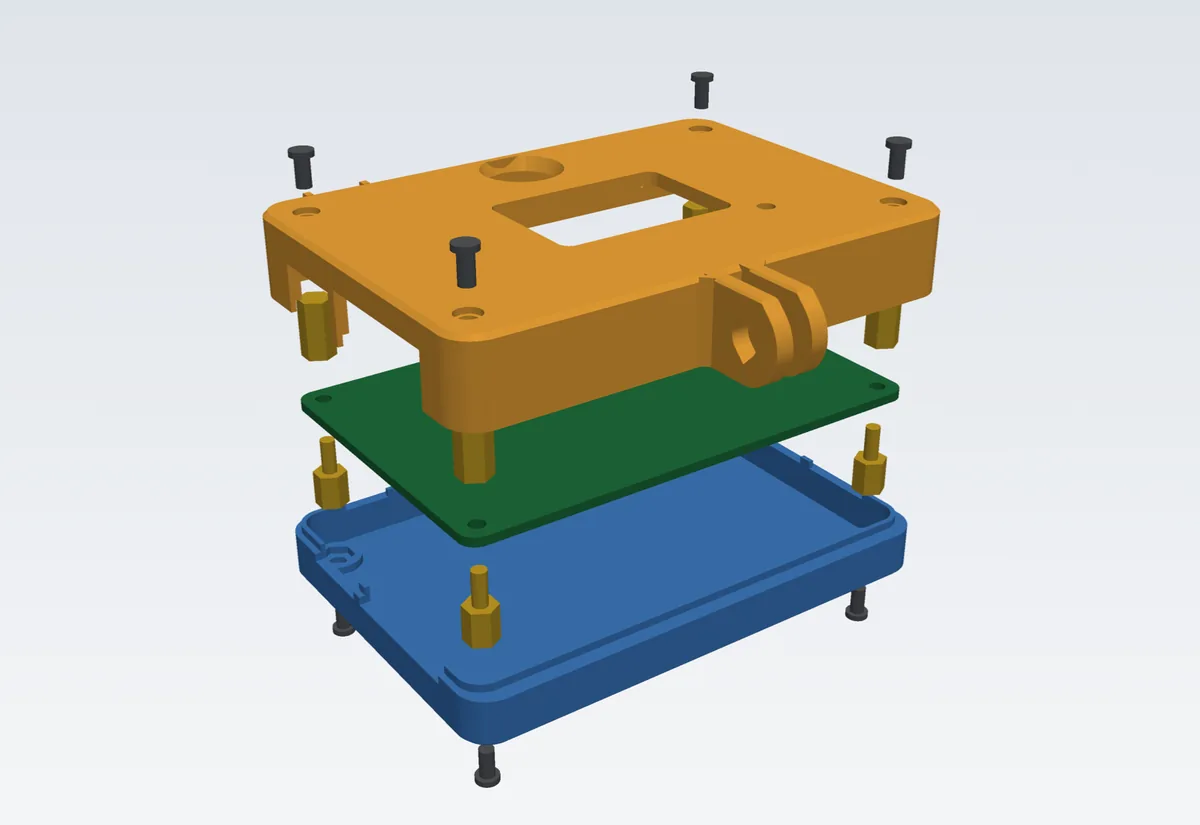
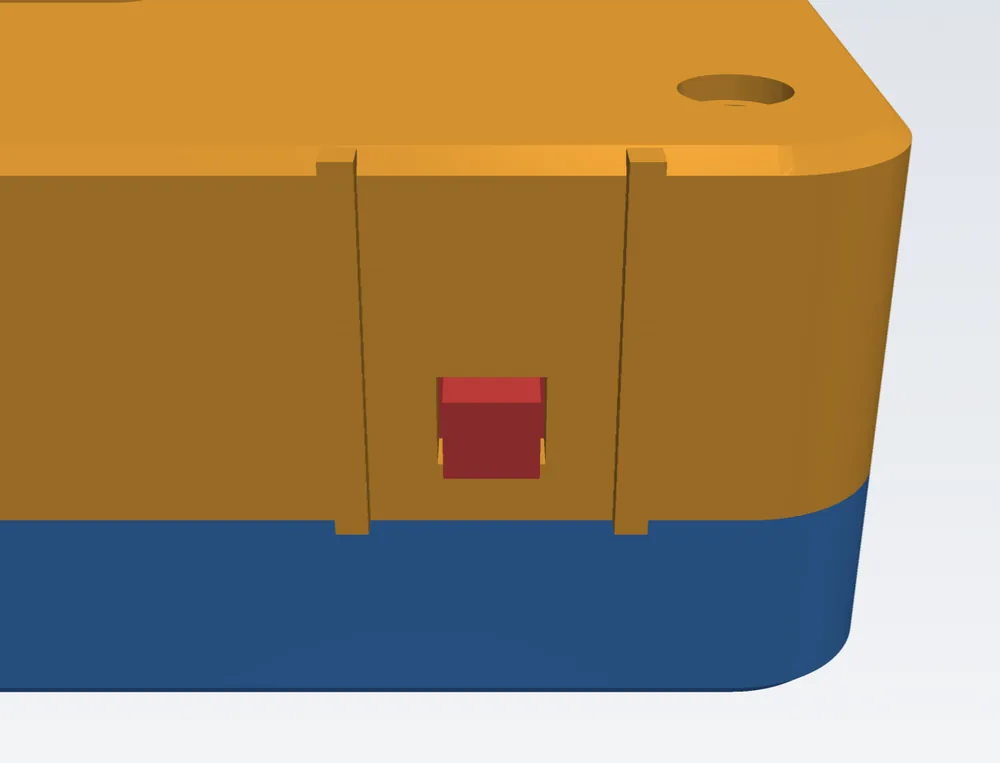
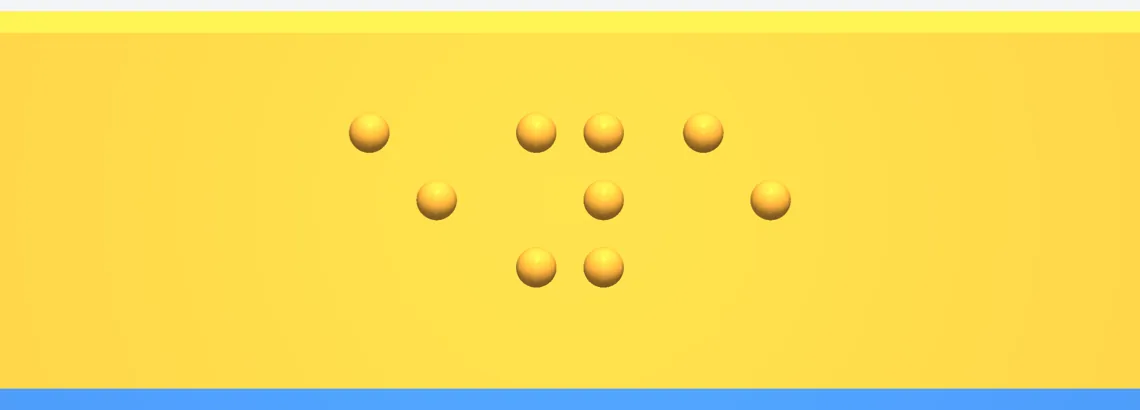
How the prototype is operated today. Parts still in development are marked in each step.
Attach the enclosure to a GoPro chest harness with the camera facing forward. Turn the M5 thumb screw to adjust the camera's tilt.
Connect a power bank over USB-C; speech comes out of the 3.5 mm headphone jack. Open-ear headphones (such as bone-conduction models) are recommended, so you can still hear traffic and other surrounding sounds.
When reading mode starts, the device says “System started.”
In developmentThe board currently starts in a photo mode used for data collection, and reading mode must be started from a computer. The final version will start straight into reading mode.
Stand behind the curb, facing the crosswalk you want to cross. If you hear “No signal detected. Turn slowly left and right,” turn slowly on the spot without stepping sideways. Once you hear “Signal found,” hold that direction.
After “Green light. You may cross,” still check the traffic by ear and with your cane before crossing. If you hear “Green ending” or “Signal unconfirmed,” do not start crossing.
This project builds on many open-source projects and public datasets, each used under its original license and credited. The full list of data sources, tools and licenses is on a separate page.
3 of them under the MIT license: ImVisible PTL, Traffic Lights of New York, nsw_traffic_lights
6 of them under the MIT license: OpenCLIP, ONNX Runtime, trimesh, PyVista, html-validate, fonttools
Ultralytics YOLO: its terms apply before publishing a model or any commercial use